Holvi integration
Written By CCHuang
Last updated 9 months ago
Holvi offers IBAN accounts, payment cards, invoicing, and bookkeeping tools for associations, entrepreneurs and businesses alike. By connecting Holvi, membership payments will be updated automatically to FloMembers.
How to activate the integration
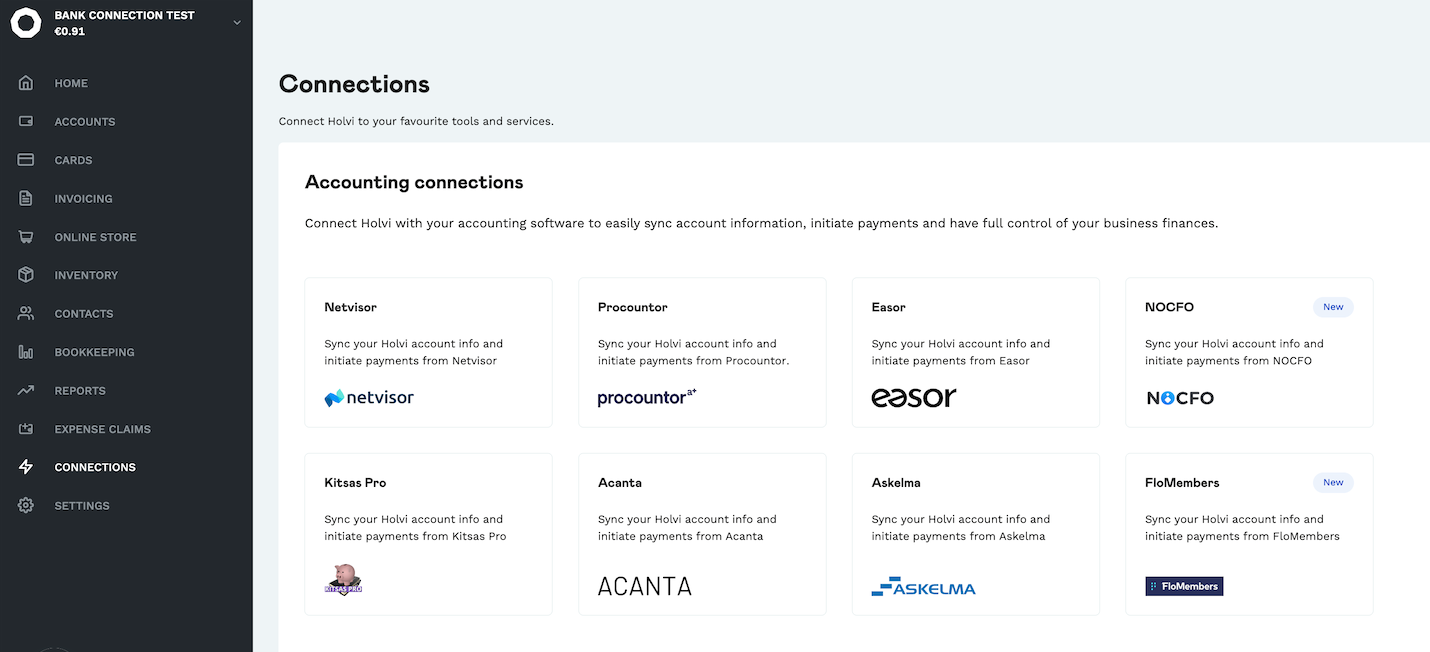
1. Open the connections section
Log in to your Holvi web app, go to Connections from the left-hand menu, and under Accounting connections, select FloMembers.
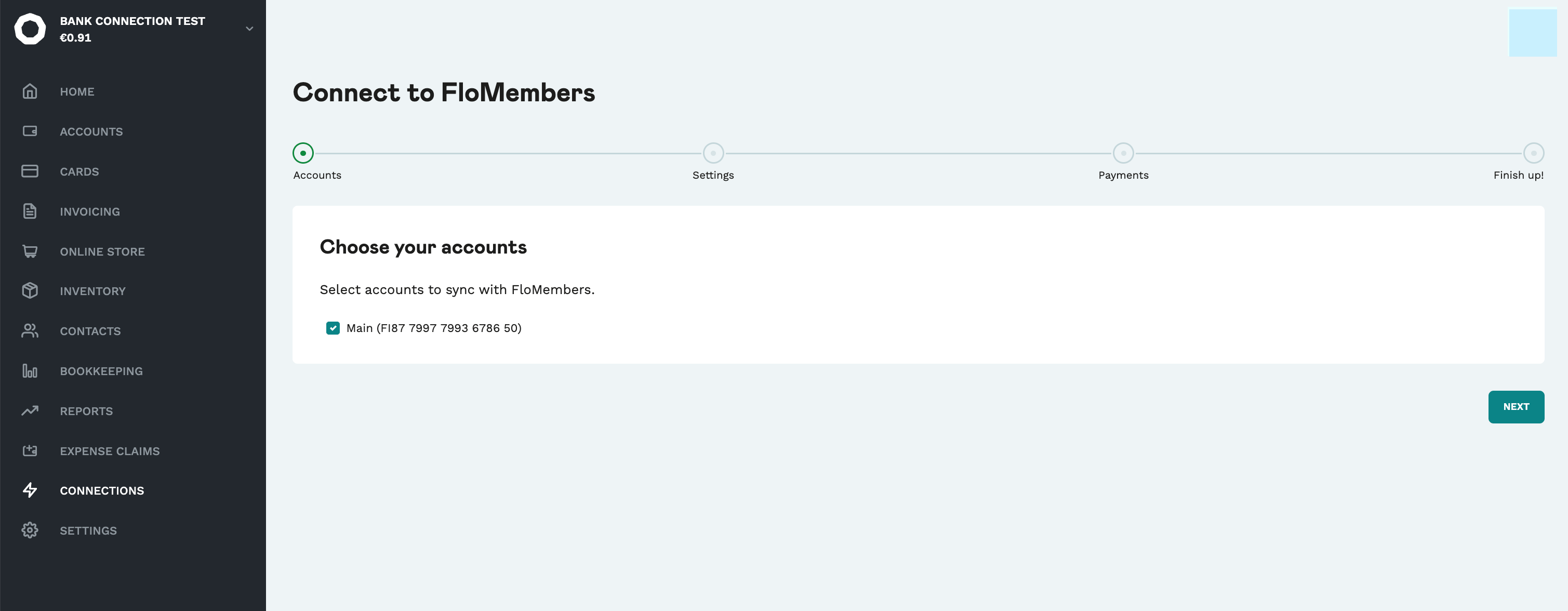
2. Choose your accounts
Select the accounts you want to sync with FloMembers and click Next to continue.
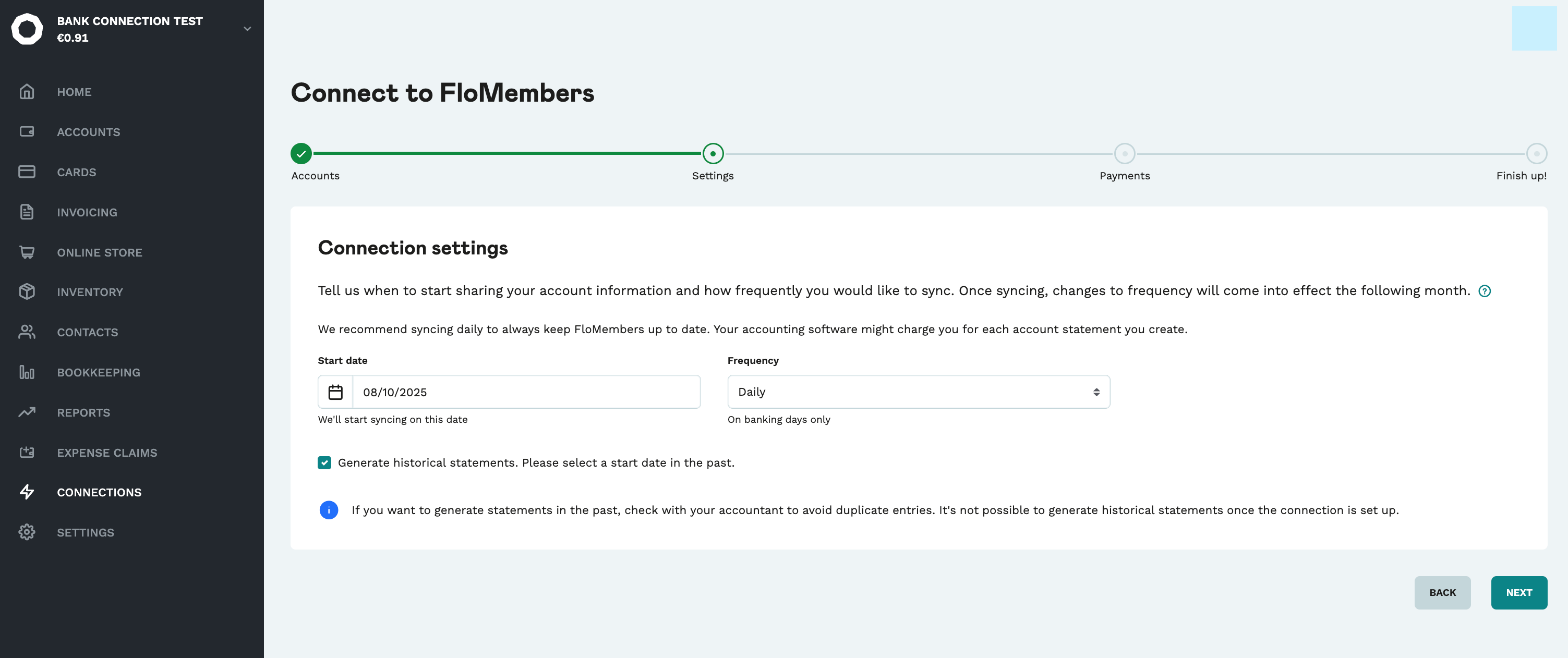
3. Configure connection settings
You can define when the sync starts and how often data is shared with FloMembers.
Start date → choose the date when the connection should begin.
Frequency → select how often to send data.
Optionally, check Generate historical statements if you want to include older data.
Click Next to continue.
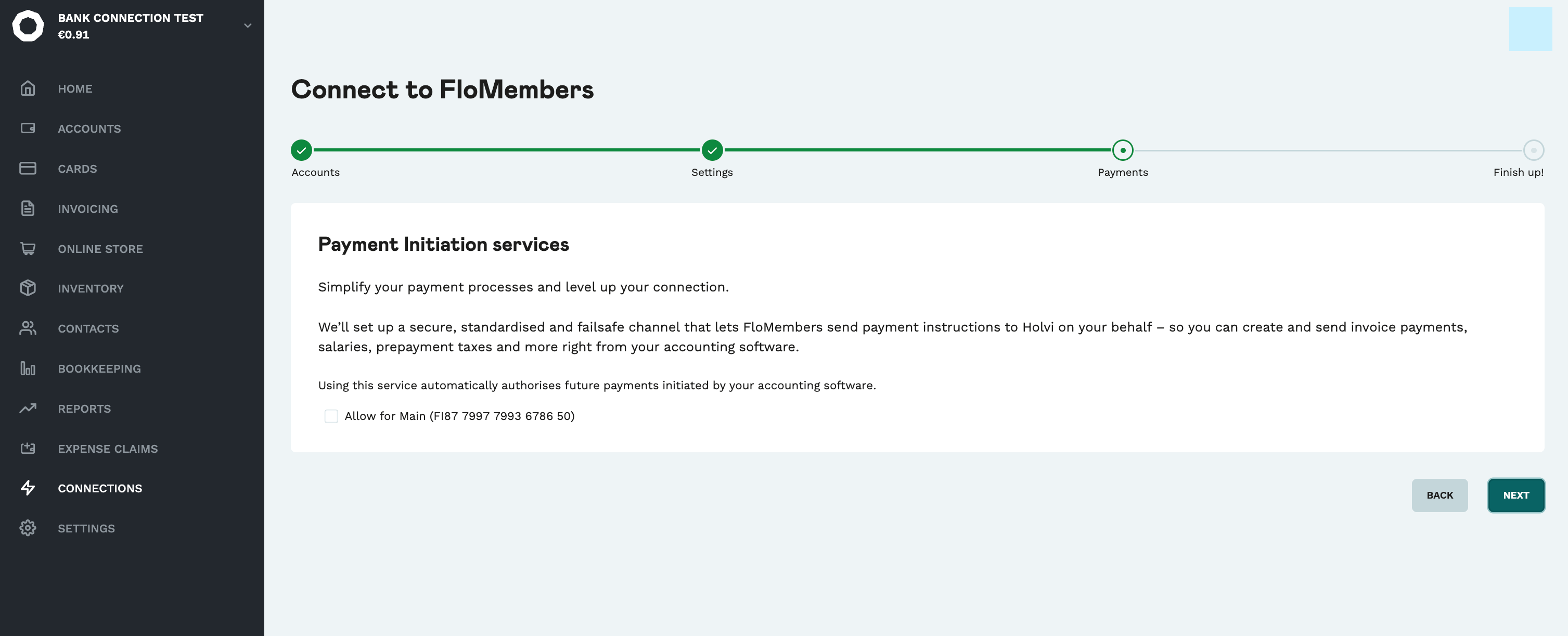
4. Payment initiation services
The Payment Initiation Services step is not required for FloMembers. You can skip it and even if selected, it will not affect the setup. Click Next to continue.
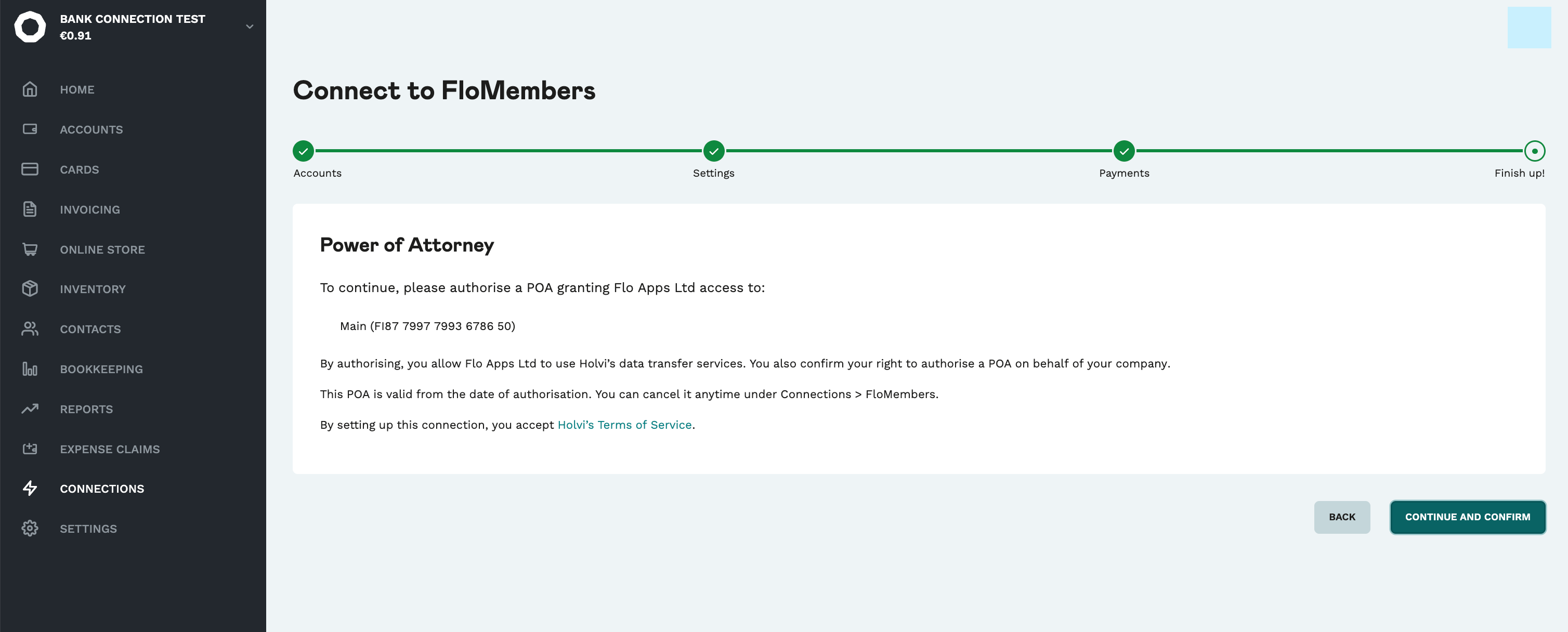
5. Power of Attorney
Holvi now asks you to grant a Power of Attorney (POA) for Flo Apps Ltd (FloMembers).
This authorization allows FloMembers to securely receive data from Holvi.
Review the authorization text.
Click Continue and Confirm.
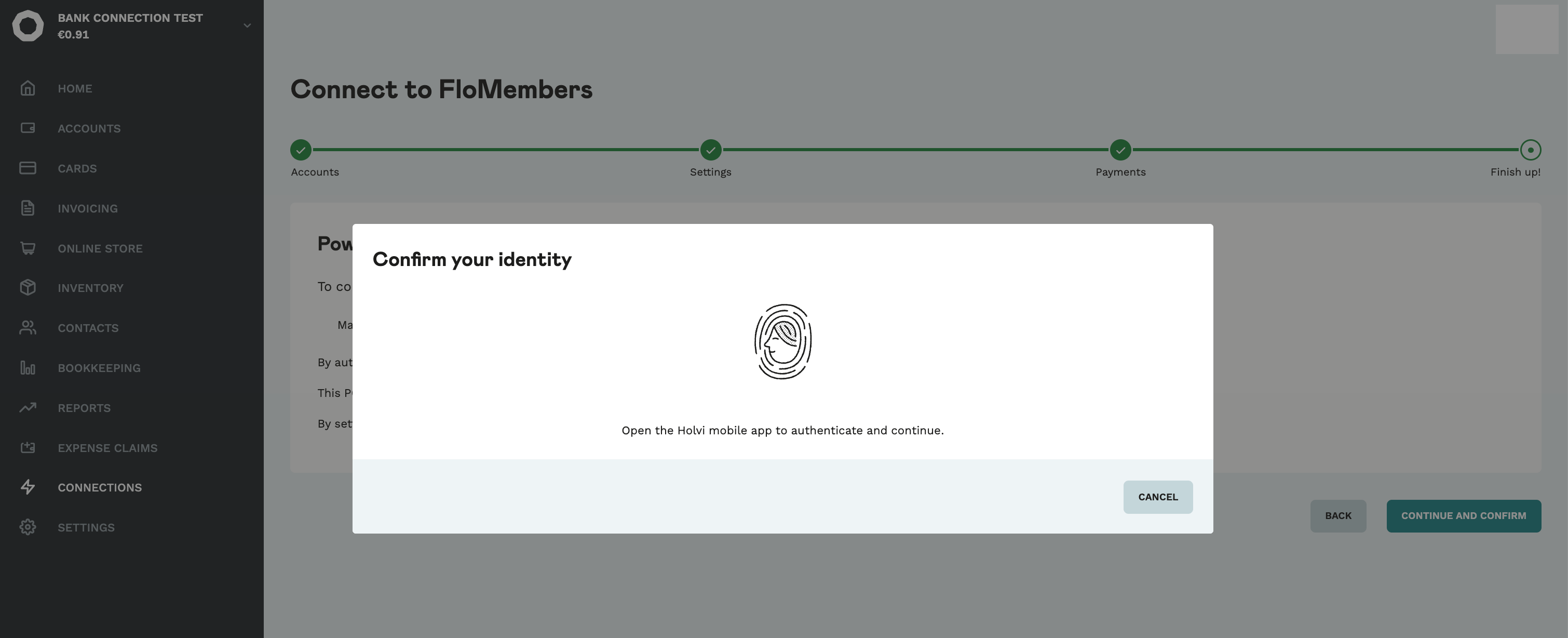
Confirm your identity using the Holvi mobile app (Strong Customer Authentication).
6. Finalize activation
In FloMembers, verify that Holvi is activated under Settings > Integrations > Payments > XML. If this is not the case, submit a support request so that the integration gets activated.